Practical gear. Thoughtfully designed.

Make room
for what's next.

Thoughtful mounts and everyday accessories for the way you set up, get organized and explore. Find your fit. Then share what you build.

Made for real-world setups Guides to get you started Ideas worth sharing

Find your fit

A place for your Mini.

Explore the range

Dashboard, window or cup holder? Start with your dish and mounting surface.

Find the right starting point

Small details. Better everyday.

Built around your setup.

The ConTronX approach

Good ideas start
with a practical problem.

A place to mount your Mini. A way to keep track of a badge. A better home for the gear you use. ConTronX brings focused design to the small details that shape your day.

The Workshop brings the next part of that process into the open: questions, setup ideas and useful lessons to share.

Get to know ConTronX

A useful place to start

From the Workshop.

Original resources by ConTronX. Browse by topic, or bring us your next question.

12 starter guides

Window, dashboard or cup holder: where do I start?Questions & setup help · By ConTronX

Start with two facts: which Starlink dish you own, and the surface you want to use. A Mini bracket and a Standard Gen 3 / Rev 4 bracket are different products.

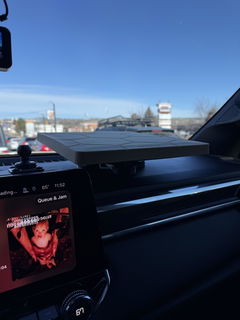
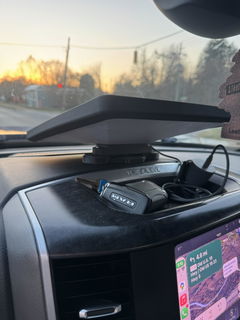
  • Mini on a dashboard: compare the 4-in-1 mount and the dashboard-plate option. Choose a fixed 0° or 10° version after checking clearance.
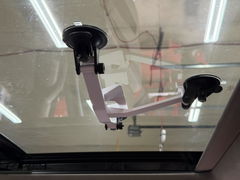
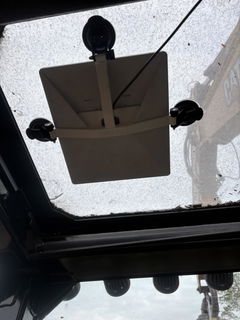
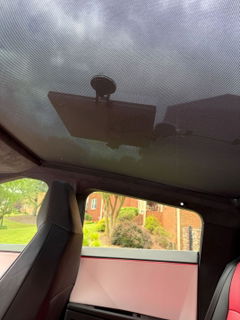
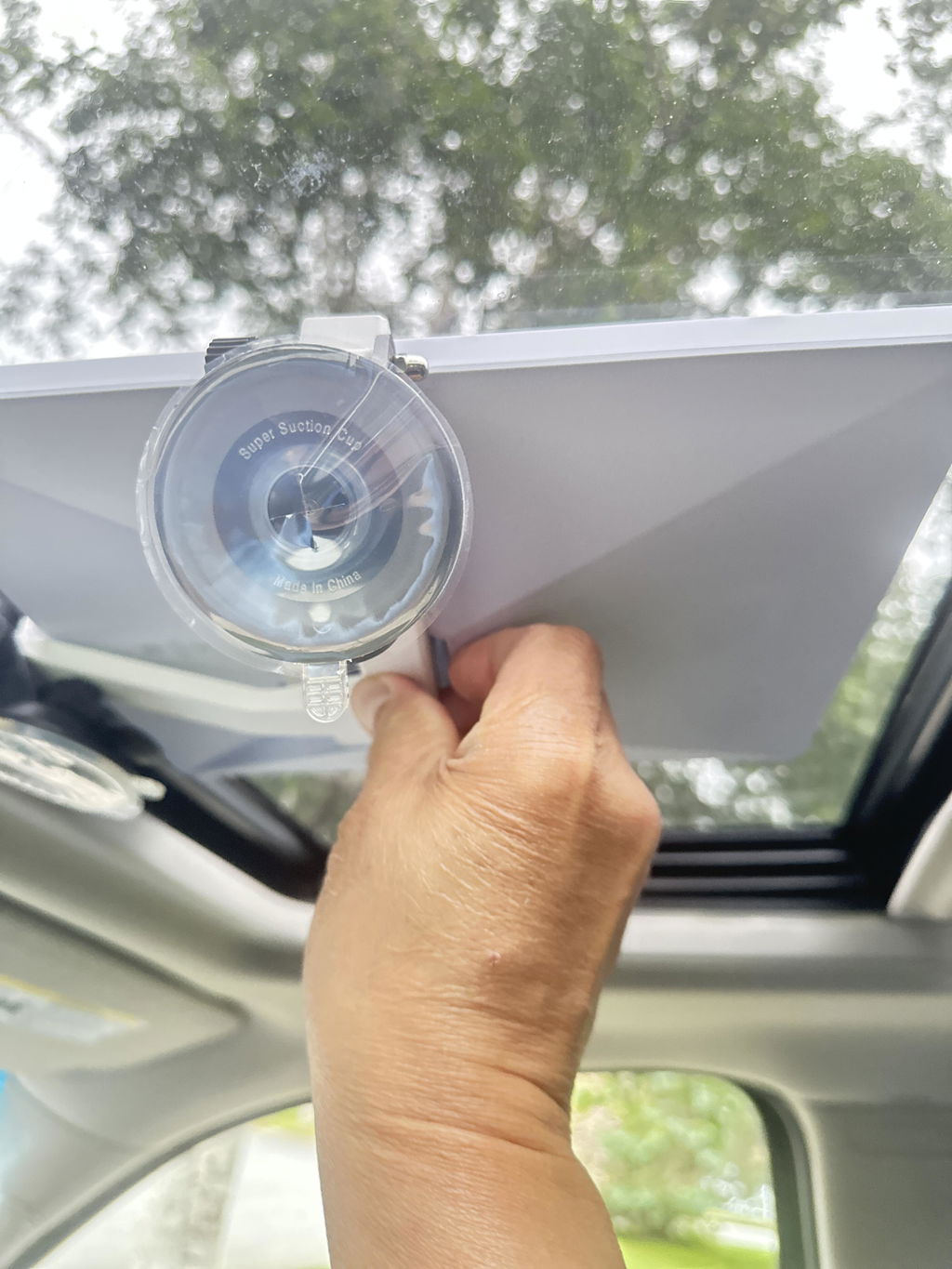
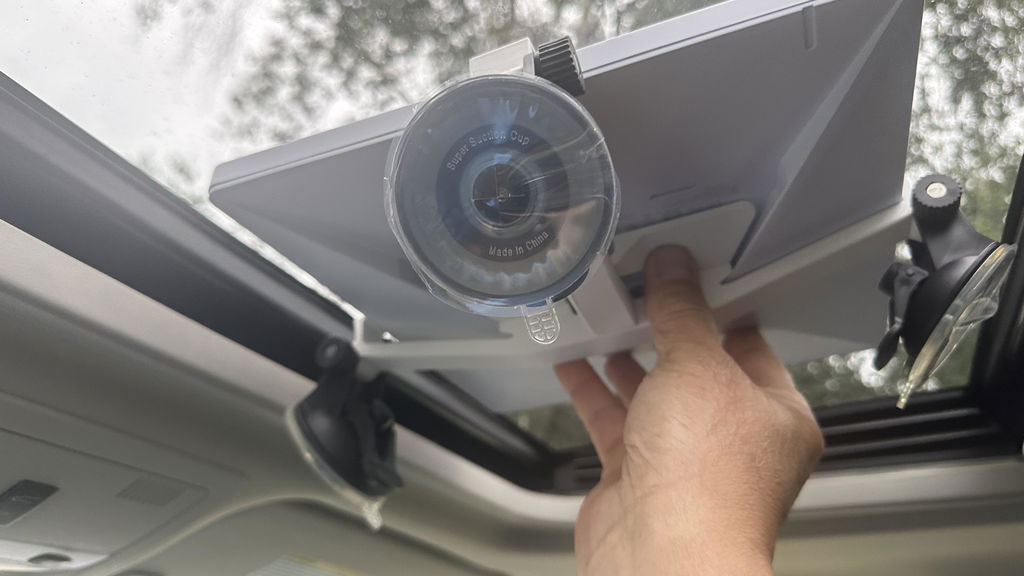
  • Mini on smooth glass: compare the dual-cup and three-cup brackets. Check the surface and installation guidance before choosing.
  • Sprinter dashboard cup holder: measure the opening. The listed fit is 6.8–7.2 cm in diameter.
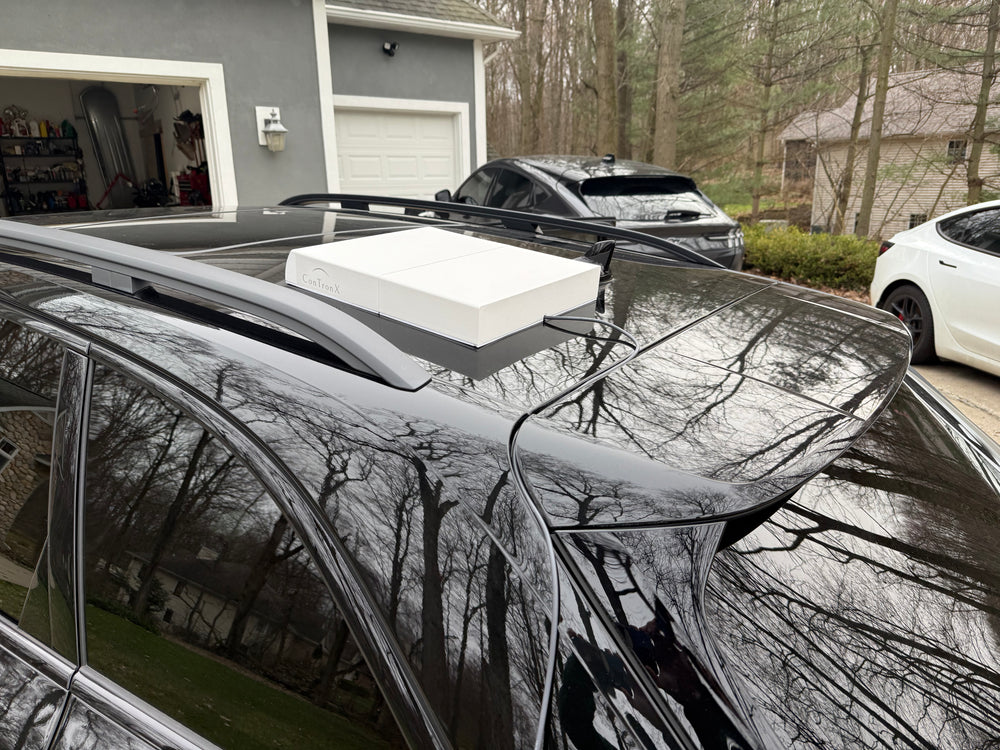
  • Exterior location: use the exterior-specific product information to choose your package. Magnet package labels are not speed ratings.

The 4-in-1 mount is for static use only and is not tested or recommended for exterior use on moving vehicles. Compare the mounts or ask us about your setup.

Show your setup: a simple build-log templateBuilds & field notes · By ConTronX

A useful build log shows what worked and what you would change. Use this structure when member posting opens, or send your own setup to ConTronX through the contact page.

  1. The goal: What did you want your setup to do?
  2. The setup: Vehicle or workspace, exact device, mount and selected options.
  3. The constraints: Dimensions, surface material, access and cable routing.
  4. The process: Photos you own, what you tried, and any changes along the way.
  5. The result: What you observed, over what period, and what still needs testing.
  6. The next version: One thing you would improve.

Keep personal information, plates and workplace details out of shared images. Label mockups and untested ideas clearly. Share a setup with ConTronX.

One Mini, two vehicles: planning your mounting pointsGuides & how-tos · By ConTronX

If you already have the ConTronX 4-in-1 magnetic mount, an additional dashboard plate can provide a second mounting location. The plate stays installed; the compatible mount can move between locations.

  1. Check the surface, dish clearance and cable route in each parked vehicle.
  2. Choose the dashboard plate if you already own the mount.
  3. Follow the installation instructions for surface preparation and adhesive application.
  4. Reinstalling an existing plate? Review the replacement adhesive pads.

The dashboard plate is sold separately from the mount. The 4-in-1 mount is for static use only.

Before you install: five details to checkGuides & how-tos · By ConTronX
  1. Device: Confirm the exact dish or accessory model.
  2. Surface: Identify the material, texture and available mounting area.
  3. Clearance: Measure around the device, cable, nearby compartments and other controls.
  4. Package: Check whether you selected a full mount, base only, plate only or replacement part.
  5. Instructions: Read the product-specific guide before attaching anything.

Do not infer a performance rating from a product photograph or a magnet label. Use the installation guide and the specific product information. If a detail is unclear, send us your model and measurements.

What small problem should we solve next?Ideas & community · By ConTronX

The best starting point is a problem you can describe. Tell us what gets in the way, rather than needing to arrive with a finished design.

  • What are you trying to hold, organize or keep track of?
  • Where will it be used, and what space is available?
  • What have you already tried?
  • Which dimensions or clearances matter?
  • Would a sketch or a photo help explain it?

Submit your idea through the ConTronX contact page. Ideas are requests for consideration; availability, pricing and feasibility are confirmed separately.

Ask a better setup questionQuestions & setup help · By ConTronX

Good details make it easier to give useful help. Include the exact product or dish model, selected variant, mounting surface and the result you want.

For a fit question, add measurements and a photo of the space if you can. For a problem with a setup, explain what changed, what you observed, and what you have already tried.

Keep order numbers, addresses and other private details in a private support conversation. Use Contact ConTronX for order-specific support.

Will the cup-holder base fit my Sprinter?Questions & setup help · By ConTronX

Measure first. The listed cup-holder diameter range is 6.8–7.2 cm; a vehicle name alone does not establish fit. Also check room for the dish and mount near the windshield and nearby compartments.

The options are base only, base plus a 0° mount, or base plus a 10° mount. Base only is intended for customers who already have a compatible ConTronX magnetic mount.

Review the cup-holder mount. For an unusual fit, send measurements through the contact page.

Mount only, plate only or a full setup?Questions & setup help · By ConTronX

These names describe different parts. A plate-only or base-only listing should not be mistaken for a complete Starlink mounting setup.

  • 4-in-1 Mount Only: the magnetic mount for a compatible surface or an existing plate.
  • Mount and Dashboard Plate: adds the plate, ferrometallic inserts and 3M VHB adhesive.
  • Dashboard Plate Only: adds a mounting location for a compatible mount you already have.
  • Replacement adhesive: two pads; no plate or mount.
  • Sprinter Base Only: the cup-holder base without the magnetic mount.

Compare the exact option name before placing your order. Ask for help choosing parts.

Badge or stethoscope: choose your AirTag holderGuides & how-tos · By ConTronX

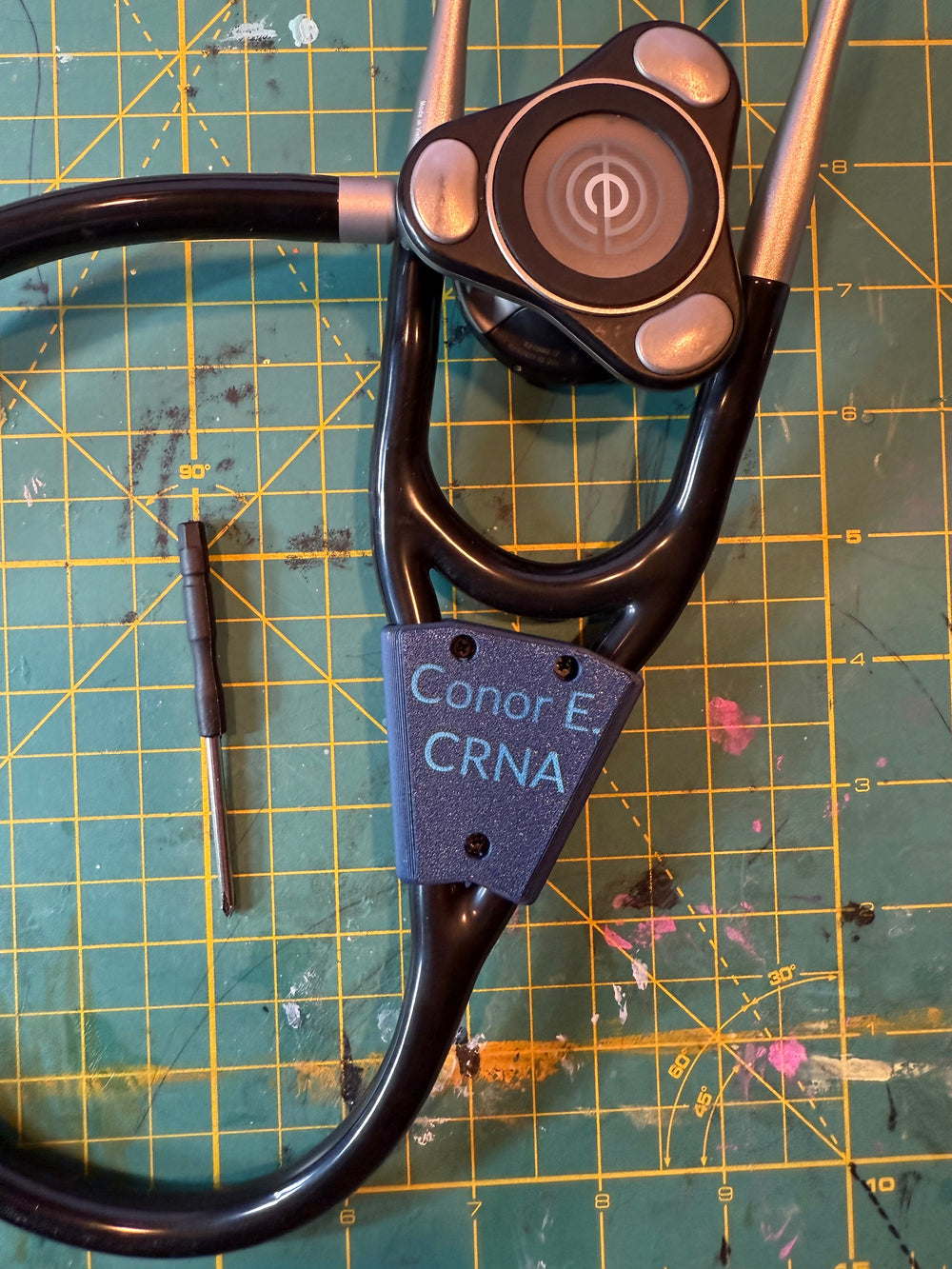
Badge Buddies pair role lettering with a snap-fit AirTag compartment. The stethoscope holder uses three M2 screws and metal inserts, with an included mini Phillips screwdriver for access.

The stethoscope listing names 3M Littmann Core Digital, Core 500 and Cardiology IV Diagnostic models. Check your exact model rather than assuming every stethoscope is compatible.

Apple AirTag is sold separately. Tracking uses Apple's Find My network; a holder does not guarantee recovery or prevent theft. Explore the AirTag range.

Write field notes that help the next personBuilds & field notes · By ConTronX

Useful notes distinguish an observation from a general claim. “I used this setup twice at a parked campsite” is more informative than “works everywhere.”

  • Record the device, mount and selected options.
  • Describe the location type and mounting surface without sharing private locations.
  • Note conditions and the duration of use.
  • Include what did not work and what remains untested.
  • Use your own photos and label any edited backgrounds or mockups.

A personal experience is not a product rating, installation instruction or vehicle-speed approval. Link the relevant product guidance alongside your notes.

Start here: how we want the Workshop to workIdeas & community · By ConTronX

The Workshop is a place to ask practical questions, share builds and help make the next setup better. These initial resources are written by ConTronX. They are not imported member conversations.

  • Be helpful, specific and respectful.
  • Share content you created or have permission to use.
  • Credit outside sources and link readers to the original discussion.
  • Label prototypes, mockups and untested ideas.
  • Keep private order and account details in support messages.
  • Share firsthand observations without presenting them as guaranteed results.

Browse the resources here and contact ConTronX with questions.

Outside the Workshop: useful conversations to exploreIdeas & community · By ConTronX

Reddit can be a useful place to discover questions people are asking. The reading links below stay on Reddit and remain separate from ConTronX member discussions.

Use those conversations as a starting point for your own questions and original build notes. A Reddit comment is an individual's experience, not verified product guidance.

Want to share someone else's build here later? Ask the creator for permission to republish their words or images, and keep the attribution and source link. Do not create a member account in someone else's name.